
Running a validator is a lot more than just clicking a button and staking some tokens. While a regular full node just watches the network, a validator is like the engine of the blockchain-it proposes blocks, signs transactions, and keeps the whole system secure. If your hardware can't keep up, you don't just get a slow experience; you risk getting "slashed," which means losing your staked funds as a penalty for downtime.
The gap between "minimum requirements" and "performance requirements" is huge. Many people start with consumer-grade gear only to find their SSDs dying after six months or their RAM bottlenecking during a traffic spike. To maximize your rewards and keep your assets safe, you need a setup that handles heavy cryptographic loads and constant data writes without breaking a sweat. Here is exactly what you need to look for in 2026.
The Core Hardware Pillars for Validators
Before looking at specific networks, you need to understand three non-negotiable hardware components: the CPU, the RAM, and the Disk. Most validators rely on Proof of Stake a consensus mechanism where validators are chosen to create new blocks based on the number of coins they hold and are willing to lock up, and the hardware requirements for this are quite specific.
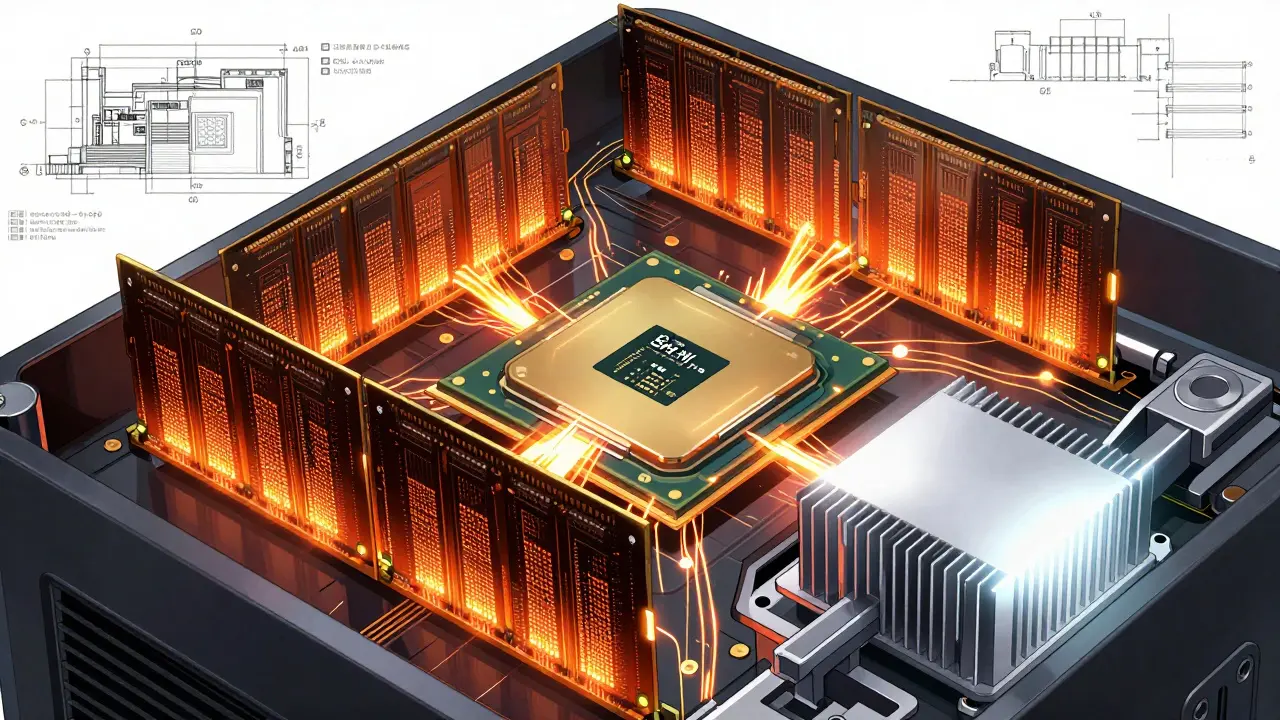
Your CPU isn't just about the number of cores. You need specific instruction sets. For instance, SHA-NI (Secure Hash Algorithm New Instructions) is a game-changer, providing 3-5x acceleration for the cryptographic operations that validators do every second. If your CPU lacks this, you're essentially running a race with a weighted vest.
When it comes to storage, a standard SATA SSD won't cut it. You need NVMe SSDs with high endurance. Look for the TBW (Terabytes Written) rating. In the validator world, consumer drives often fail within a year because the blockchain writes data so aggressively. You want enterprise-grade drives with 1,000+ TBW to avoid a catastrophic hardware failure mid-consensus.
Network-Specific Hardware Requirements
Not all blockchains are built the same. A validator for a high-throughput network like Solana looks very different from one for Ethereum. The hardware must match the network's architectural goals-whether that's extreme speed or decentralized accessibility.
| Network | CPU Cores / Speed | RAM (Minimum/Rec) | Storage (NVMe) | Network Speed |
|---|---|---|---|---|
| Solana | 24+ Cores (3.9GHz+) | 384GB+ | 3TB+ (Split Drives) | 1Gbps+ Symmetric |
| Ethereum | 8-12 Cores | 64GB / 128GB | 4-8TB | 300-500Mbps |
| NEAR | 8 Physical Cores | 48GB | 3TB | High Bandwidth |
| Polkadot | 8 Cores (3.4GHz+) | 32GB ECC | 2TB | 500Mbps Symmetric |
| Aptos | 32 Cores (2.8GHz+) | 64GB | 3TB (60K+ IOPS) | 1Gbps |
The Solana Beast
Solana is the most demanding network due to its Gulfstream mempool architecture, which keeps the entire blockchain state in memory. This is why you see a staggering 384GB RAM requirement. A pro tip here: avoid dual-socket enterprise motherboards. Because of NUMA (Non-Uniform Memory Access) latency, a high-frequency single-socket CPU (like a high-end AMD Threadripper) actually performs better than a massive dual-Xeon setup.
Ethereum's Efficiency Focus
Ethereum focuses more on single-threaded performance. If you're checking your CPU on PassMark, aim for a Single Thread score of 3,500 or higher. While 64GB of RAM is the standard, users have reported 15-20% better block proposal success rates when jumping to 128GB, as it gives the system more breathing room during peak network activity.
The Precision of Polkadot and Aptos
Polkadot is unique because it often requires you to disable Hyper-Threading (SMT). By doing this, you prioritize raw single-threaded speed, which is critical for handling multiple parachains. Aptos, on the other hand, is all about IOPS (Input/Output Operations Per Second). If your SSD can't hit 60,000 IOPS, you'll see latency spikes of 25-30% during high traffic, which directly eats into your rewards.
Avoiding the "Downtime Trap"
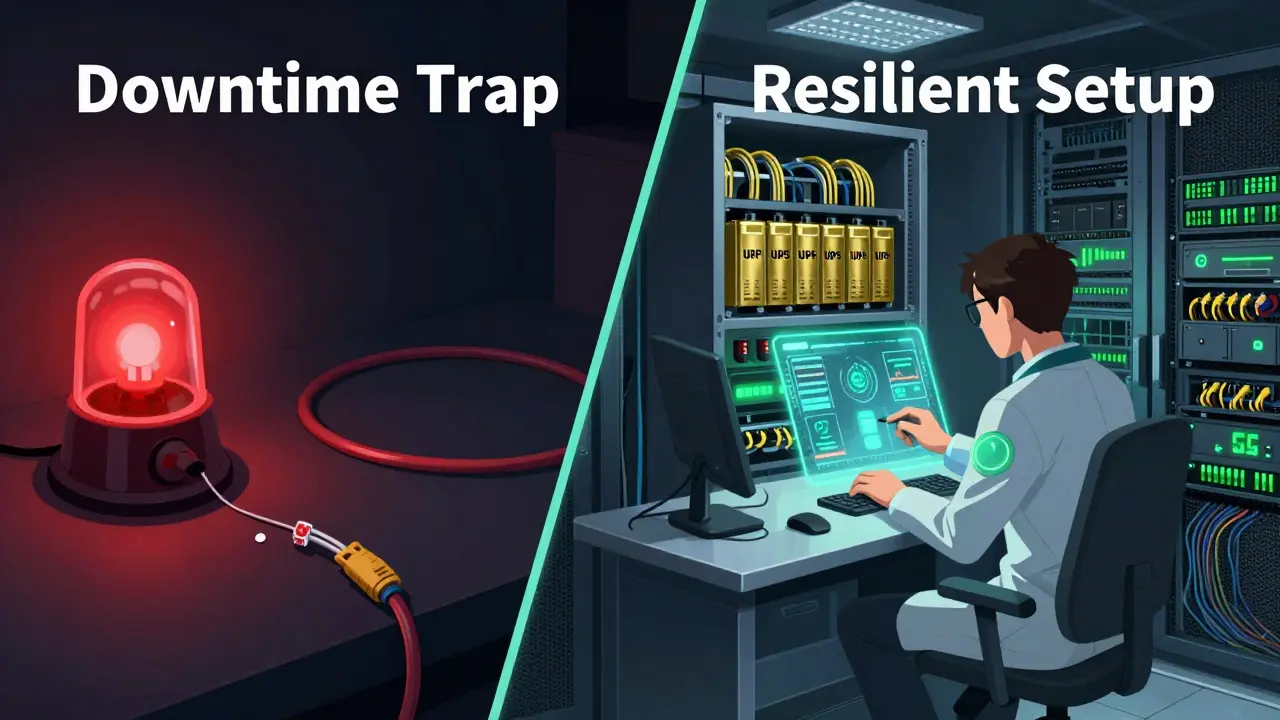
You can have the fastest CPU in the world, but if your internet blips for ten seconds, you're at risk. In the validator community, the "Downtime Trap" is when operators focus on raw power but ignore stability. Statistics show that nearly 68% of validator downtime is caused by network issues, not hardware crashes.
To combat this, don't rely on a single ISP. The most successful operators use a primary fiber connection with a 5G backup. This redundancy can cut your downtime by nearly half. Then there's power. A sudden blackout can corrupt your ledger data. A high-capacity UPS (Uninterruptible Power Supply) that can keep the node alive for 15-30 minutes is the only way to ensure a graceful shutdown or a switch to a generator.
Keep an eye on storage growth. For example, Ethereum validators have seen the chain grow by over 1TB per year. If you buy a 4TB drive today, you might be out of space in two years. Always over-provision your storage by at least 30% to allow for future growth and snapshotting.
Operational Trade-offs: Self-Hosted vs. Managed
Deciding whether to build your own server or use a managed provider depends on your technical skill and budget. The learning curve for a new operator is steep, often taking 40 to 80 hours of setup and testing before the node is truly stable.
- Self-Hosted: Total control over your keys and hardware. However, you are responsible for 24/7 monitoring, cooling (Solana nodes can pull 450W under load), and hardware replacements.
- Managed Hosting: Faster setup and guaranteed uptime (often 99.9%). The trade-off is a monthly fee and a slight trust dependency on the provider.
Interestingly, more people are moving toward "Hardware-as-a-Service." Since high-performance setups can now cost $15,000 to $20,000, managed solutions are becoming the standard for those who aren't running a full-scale data center.
Future-Proofing Your Setup for 2026 and Beyond
Blockchain tech moves fast. If you're buying hardware today, look toward the upcoming shifts. For instance, the Pragma upgrade on Ethereum is expected to lower RAM requirements to 32GB via state expiry, making it easier for smaller operators to enter. Similarly, the Firedancer client for Solana aims to optimize memory usage, potentially dropping the RAM floor to 256GB.
If you are shopping for CPUs, keep an eye on the AMD EPYC 9004 series. These chips include dedicated hardware accelerators for SHA-3 and EdDSA, which are the exact types of math blockchains use to verify signatures. Buying hardware with built-in cryptographic acceleration is the best way to ensure your node doesn't become obsolete in twelve months.
Can I run a validator on a laptop or a Mac Mini?
For most major networks like Solana or Aptos, absolutely not. The RAM and IOPS requirements are far beyond what a consumer laptop can provide. You might be able to run a lightweight Ethereum validator on a high-spec Mac Studio, but the risk of downtime and SSD wear is very high. Always use dedicated server hardware for mainnet validation.
Why is symmetric networking important?
Most home internet has fast downloads but slow uploads. Validators, however, need to push massive amounts of data (blocks and signatures) to other nodes. If your upload speed is slow, you'll lag behind the rest of the network, causing you to miss block proposals and potentially face slashing penalties.
What is the difference between a full node and a validator node?
A full node downloads the blockchain and verifies transactions to ensure they follow the rules. A validator node does all that plus the active job of proposing new blocks and voting on them. Because validators participate in the consensus process, they require much more powerful CPUs and faster disks to avoid being too slow for the network.
Do I really need ECC RAM?
ECC (Error Correction Code) RAM prevents data corruption by fixing single-bit errors on the fly. For a validator, a single flipped bit in memory can cause the software to crash or, worse, sign an incorrect block. Networks like Polkadot explicitly recommend it because the cost of a crash is much higher than the cost of the RAM upgrade.
How do I prevent my NVMe SSD from burning out?
First, buy Enterprise-grade drives (like those from Samsung's PM series or Micron) instead of consumer gaming drives. Second, ensure your drive has a massive heat sink and active airflow; overheating slows down the drive and shortens its lifespan. Third, avoid filling the drive past 80% capacity, as this increases write amplification and wears out the flash cells faster.
Carroll Foster
April 13, 2026 AT 21:51Oh wow, a whole guide on spending 20k on a server just to hope the network doesn't eat your money!! Pure genius. I love how we just assume the 'enterprise-grade' drives aren't just rebranded consumer trash with a higher price tag and a fancy sticker. The IOPS obsession is truly the peak of this ecosystem's comedy. Imagine thinking your 1Gbps symmetric line is safe from a targeted BGP hijack just because you have a 5G backup. Truly adorable!!
Amanda Faust
April 15, 2026 AT 10:37everyone knows the EPYC 9004 is overkill for everything except solana anyway
Aaliyah BROTHERS
April 15, 2026 AT 19:57Absolute LIES!!! These 'managed' providers are probably just fronting for the globalist shadow government to keep a backdoor into our private keys!!! Why is nobody talking about how this hardware is all made in factories that hate OUR values??? It's a trap!!! A total, glittering, high-tech trap to keep the real patriots from owning the means of production!!! WAKE UP PEOPLE!!!
Terrance Hausmann
April 17, 2026 AT 16:14I think it is really important to remember that we are all learning together in this space. While the hardware costs are steep, maybe some of us could look into community-led hardware pools or shared hosting to make it more accessible for the little guy. It's all about supporting each other and building a sustainable future where not everyone has to drop twenty grand just to participate in the security of the network, and if we just take it slow and communicate, we can find a middle ground that works for everyone without the stress of immediate financial ruin.
Will Dixon
April 18, 2026 AT 16:52i just got some used ram for my rig and it works fine so far. dont think u always need the most expensive stuff right away if ur just startin out.
Emily H
April 19, 2026 AT 05:59The emphasis on the TBW rating is quite prudent. Many novice operators overlook the fact that blockchain ledgers are write-intensive, which leads to premature NAND flash degradation. Utilizing an enterprise-grade NVMe solution is not merely a suggestion but a necessity for maintaining long-term operational stability.
ssjuul z
April 19, 2026 AT 21:22Spot on with the NVMe advice! I almost fried my first drive trying to save money on a gaming SSD. Big mistake! 🚀 Keep pushing for better hardware standards!
Prasanna Shembekar
April 20, 2026 AT 04:59my heart sinks thinking about slashing oh the horror of losing tokens
Jessie Tayaban
April 21, 2026 AT 23:55OMG I totally forgot to check my upload speed and my node was lagging so hard it was like... a nightmare!!! 😭 Just bought a new router hope it’s enuff lol
Artavius Edmond
April 22, 2026 AT 13:36Honestly, just vibing with a managed provider is the way to go for most people. Who really wants to spend their weekends troubleshooting a UPS failure at 3 AM? Just pay the fee and sleep easy.
Scott Fenton
April 24, 2026 AT 01:34The distinction between a full node and a validator node is an essential point of clarification. It is imperative that operators understand that the computational overhead of proposing blocks is significantly higher than simply verifying them. Failure to allocate sufficient resources will inevitably lead to degraded performance.
Lane Montgomery
April 25, 2026 AT 17:49How much you making monthly?
Agnessa Dale
April 26, 2026 AT 12:16This is such a helpful breakdown! It makes the whole process feel way more achievable when you have a clear checklist. Thanks for sharing!
Rebecca Violette
April 28, 2026 AT 10:45i tried to set mine up but i just keep gettin errors and im so stressed out right now i feel like im failin at evrything
Mikayla Murphy
April 28, 2026 AT 21:23It's really a shame that the hardware requirements for some of these networks are so high. It creates a bit of a barrier for people in different parts of the world who might not have access to this kind of high-end gear easily.
Stanly Hayes
April 29, 2026 AT 22:45Who cares about the barrier? If you can't afford the gear, you don't deserve the rewards! That's how the game works! Get a real job and buy a Threadripper or get out of the way!
Kelly Cantrell
May 1, 2026 AT 06:50Funny how these 'specifications' always seem to align perfectly with the hardware sold by a handful of corporations. It's almost like they're designing the software to force us into a specific hardware monoculture. Just a coincidence, I'm sure. Totally just a coincidence that the most 'efficient' way to run a node is to buy exactly what they tell you to buy from the same three vendors.