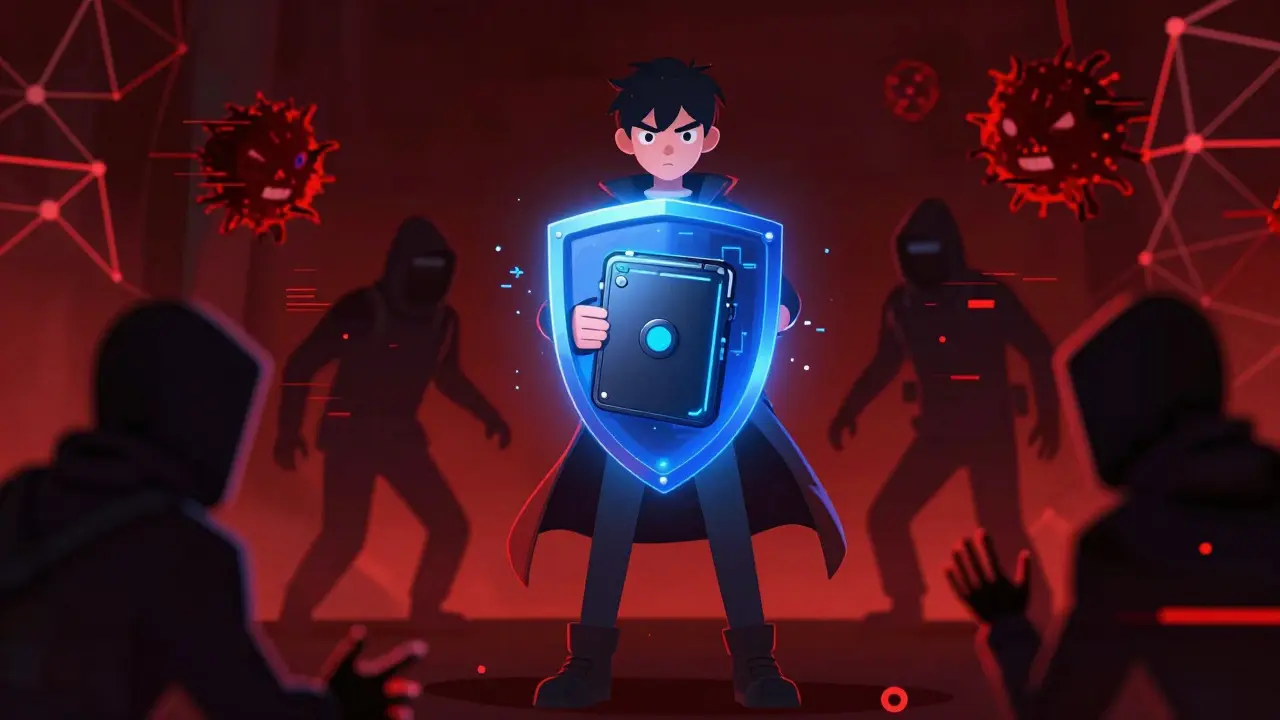
You hold the keys to your digital fortune. But unlike a bank account, there is no customer service line to call if you lose them or if someone steals them. In the first quarter of 2025 alone, thieves stole $1.2 billion in cryptocurrency, with nearly 80% of those incidents linked directly to weak wallet security. If you are holding Bitcoin, Ethereum, or any other token, understanding how to secure your cryptocurrency wallet is not just good advice-it is survival.
We often hear stories of people losing millions because they clicked the wrong link or misplaced a piece of paper. It feels dramatic, but it happens every day. The good news? You can reduce your risk of theft by over 99% if you follow a few specific, proven steps. This guide cuts through the noise and gives you the exact actions needed to protect your assets in 2026.
Understand the Core Risk: Private Keys vs. Public Addresses
To secure your wallet, you first need to understand what you are actually securing. A cryptocurrency wallet does not store coins inside it like a physical purse stores cash. Instead, it stores private keys that grant access to your assets on the blockchain.
Think of your public address as your email inbox. You can share it with anyone so they can send you money. Your private key is the password to that inbox. If someone gets your private key, they own everything. If you lose your private key, you lose everything forever. There is no "forgot password" button on the blockchain.
This fundamental truth drives every security decision you make. Every step below is designed to keep that private key away from hackers, malware, and even your own accidental mistakes.
The Golden Rule: Cold Storage for Long-Term Holdings
If you have more than you can afford to lose sitting in an online wallet, you are taking unnecessary risks. Software wallets (often called "hot wallets") are convenient for small daily transactions, but they live on internet-connected devices. That means they are vulnerable to malware, phishing scams, and remote hacks.
The solution is cold storage, which refers to keeping your private keys offline, disconnected from the internet. The most popular form of cold storage is a hardware wallet.
Devices like the Ledger Nano X or Trezor Model T use specialized chips called Secure Elements. These chips isolate your private keys physically. Even if your computer is infected with virus, the hacker cannot extract the key because it never leaves the device. According to Ledger’s Donjon security team, using a properly implemented hardware wallet reduces compromise risk by 99.4% compared to hot wallets.
| Feature | Hot Wallet (Software) | Cold Wallet (Hardware) |
|---|---|---|
| Internet Connection | Always connected | Disconnected (Air-gapped) |
| Convenience | High (instant access) | Medium (requires device connection) |
| Theft Risk | Higher (vulnerable to malware) | Very Low (physical isolation) |
| Best For | Small amounts, daily trading | Long-term savings, large holdings |
A practical rule of thumb used by many experienced investors is the 5-10-85 split: Keep 5% of your funds in a hot wallet for easy spending, 10% in a multi-signature wallet for active management, and 85% in cold storage for long-term safety.
Protecting Your Seed Phrase: The Single Point of Failure
When you set up a new wallet, it gives you a list of 12 or 24 random words. This is your seed phrase (also known as a recovery phrase). A sequence of words that allows you to restore your wallet if your device is lost or damaged. This is the most critical part of your security setup.
Here is where most people fail. They take a photo of the seed phrase and save it to their cloud drive. They write it down in a notes app on their phone. They email it to themselves. All of these are terrible ideas.
In April 2025, a user lost $87,000 because they stored their seed phrase in Google Drive. Hackers compromised their Google account via SIM-swapping and found the file. Once they had those words, they drained the wallet instantly.
Do this instead:
- Write it on paper: Use a high-quality pen and paper. Check for smudges.
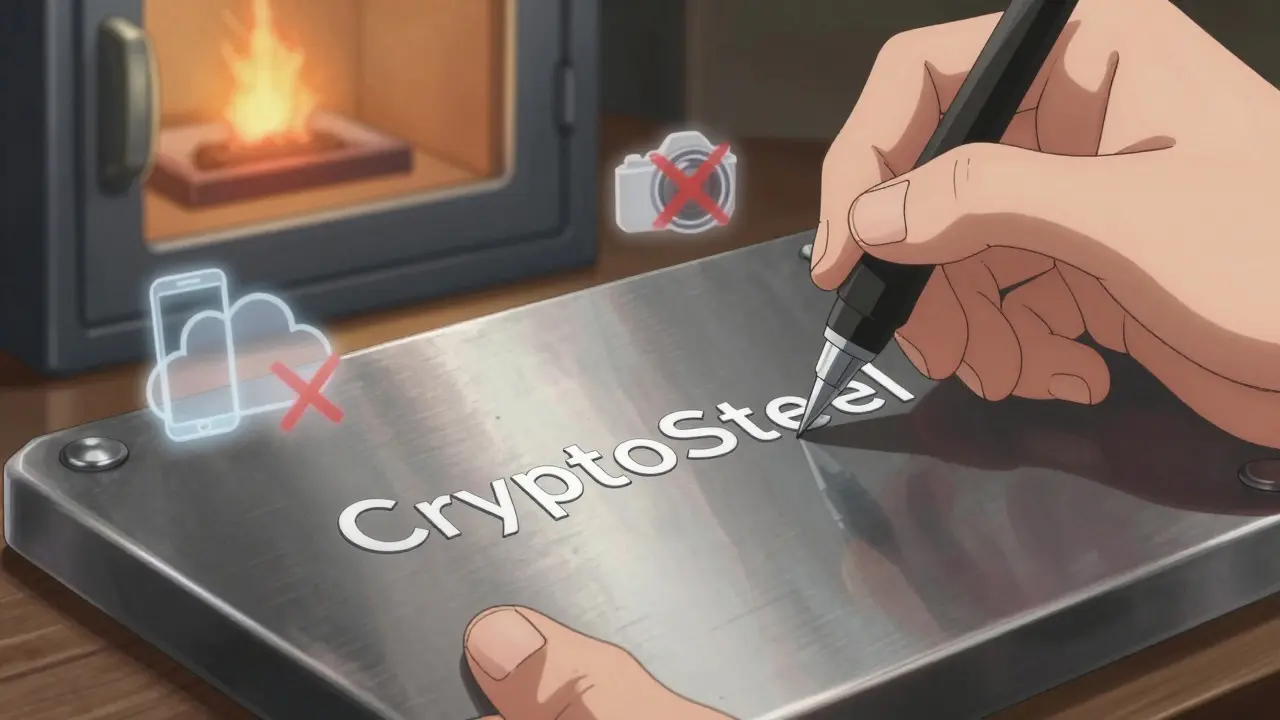
- Use metal backups: Paper burns, rots, and fades. Products like CryptoSteel offer fireproof and waterproof metal plates for engraving seed phrases
- Store it offline: Put the backup in a fireproof safe or a safety deposit box. Never let it touch the internet.
- Never digitize it: No photos, no text files, no voice memos.
If your seed phrase is destroyed without a backup, your crypto is gone forever. Chainalysis reports that 20% of all lost cryptocurrency is due to users losing their seed phrases. Don't be a statistic.
Upgrade Your Authentication: Beyond SMS Codes
Two-Factor Authentication (2FA) is essential for any exchange account or web-based wallet interface. However, not all 2FA is created equal. Many people still rely on SMS codes sent to their mobile phones. This is risky because of SIM-swapping attacks, where criminals trick your carrier into transferring your phone number to their own device.
Switch to an authenticator app. Apps like Google Authenticator or Authy generate time-based one-time passwords (TOTP) locally on your device. An application that generates temporary codes for two-factor authentication without relying on cellular networks. According to Google’s 2025 security report, using app-based 2FA reduces account takeover risk by 96% compared to SMS.
For maximum security, consider a hardware security key like YubiKey for your exchange accounts. These physical USB devices provide the highest level of protection against phishing, as they require physical presence to approve a login.
Advanced Protection: Multi-Signature Wallets
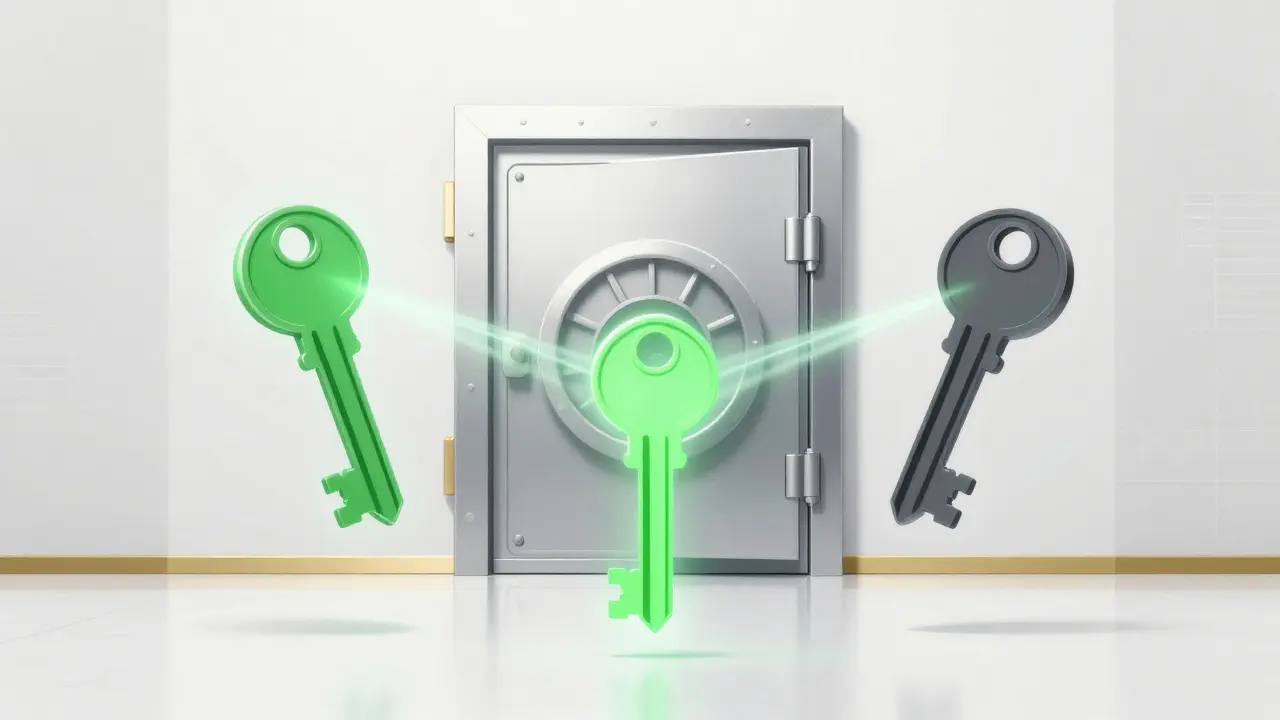
If you are managing significant wealth, a single hardware wallet might not be enough. What if your device is stolen? What if you lose your seed phrase? This is where Multi-Signature (Multi-Sig) wallets come in. A wallet configuration that requires multiple private keys to authorize a transaction.
Imagine a bank vault that needs three different keys to open. You can set up a "2-of-3" multisig wallet. This means you have three keys. To move funds, you must sign the transaction with at least two of those keys.
Why is this better?
- Redundancy: If you lose one key, you don't lose access. You still have the other two.
- Security: If a thief steals one key, they still can't move your money because they need a second signature.
Services like Casa or Unchained Capital make setting up multisig easier for beginners. While it adds a slight delay to transactions (2-5 seconds extra signing time), it reduces the risk of single-point failures by 92%, according to a 2025 MIT study. For serious holders, this trade-off is worth it.
Daily Habits: Avoiding Phishing and Malware
Even the best hardware wallet won't save you if you accidentally sign a malicious transaction. Human error remains the biggest threat. Here is how to stay sharp:
Verify addresses manually. Never copy-paste addresses blindly. Always check the first four and last four characters on your hardware wallet's screen before confirming. Scammers often use clipboard hijackers that replace the address you copied with their own.
Beware of fake websites. Type URLs manually or use bookmarks. Do not click links in emails or social media messages claiming to be from support teams. In 2025, 41% of crypto attacks involved sophisticated phishing sites that looked identical to legitimate exchanges.
Revoke unused approvals. When you interact with decentralized apps (dApps), you often give them permission to spend your tokens. Many users forget to revoke these permissions later. Tools like Revoke.cash allow you to see and cancel old approvals. The average wallet has 17 outstanding approvals, creating potential backdoors for attackers.
Buy from official sources. Counterfeit hardware wallets are a real problem. In early 2025, 12% of Ledger devices sold on third-party marketplaces contained pre-installed malware. Always buy directly from the manufacturer's website.
Summary Checklist for Immediate Action
Don't wait until something goes wrong. Take these steps today:
- Audit your holdings: Move any large balances from exchange accounts to a personal hardware wallet.
- Secure your seed phrase: Write it on metal or paper and store it in a safe location offline.
- Enable App-Based 2FA: Replace SMS verification with an authenticator app on all exchange accounts.
- Update firmware: Ensure your hardware wallet and computer OS are running the latest versions.
- Check approvals: Use a revocation tool to clean up old dApp permissions.
Securing your cryptocurrency is an ongoing process, not a one-time task. By combining cold storage, robust backups, and careful daily habits, you take control of your financial destiny. The technology is secure; it is up to you to use it correctly.
Is a hardware wallet necessary for small amounts of crypto?
If the amount is less than what you would comfortably lose in a scam, a reputable software wallet may suffice for convenience. However, if the value matters to you financially, a hardware wallet provides peace of mind and protection against device malware. The cost of entry-level hardware wallets is low compared to the risk of total loss.
Can I recover my funds if I lose my hardware wallet?
Yes, as long as you have your seed phrase. You can buy a new hardware wallet, initialize it, and enter your seed phrase to restore access to your funds. The device itself is just a tool to sign transactions; the keys live in your seed phrase.
What is the difference between a hot wallet and a cold wallet?
A hot wallet is connected to the internet (like a mobile app or browser extension), making it convenient but vulnerable to online attacks. A cold wallet is an offline device (like a USB stick) that keeps private keys isolated from the internet, offering much higher security for long-term storage.
Should I use SMS for two-factor authentication?
No. SMS is vulnerable to SIM-swapping attacks. Use an authenticator app (like Google Authenticator or Authy) or a hardware security key (like YubiKey) for significantly stronger protection against account takeovers.
How do I know if a hardware wallet is genuine?
Always purchase directly from the official manufacturer's website. Avoid third-party sellers on marketplaces like Amazon or eBay, as counterfeit devices with pre-installed malware have been documented. Check for holographic seals and verify the serial number upon arrival.